
Your markdown goes in, and comes back out.
Assay doesn't ask you to retype a plan. It reads the document you already have, tells you what it understood, and keeps the document exportable.

A plan is a handful of headings and tables.
The parser is deterministic. It is not a model call, because an import that varies from run to run can't be the source of truth for what was tested.
| In the markdown | In Assay |
|---|---|
| A title, then Product and Scope owner lines | The plan's title and metadata. |
| A purpose section | The preamble, including the priority definitions. |
| A Test environment section | The environment notes handed to an agent with every claim. |
| "Section A — Title" headings, each with a table of ID, Pri, Scenario, Steps, and Expected result | Sections and cases, with P0 to P3 priorities. |
| A DEFECT-nn tag on a case, and a known-defect table | Defect tags on cases, and the known-defect register. |
| "Appendix A" headings | Appendices kept with the version. |
It leans toward too few steps, and says when it guessed.
The source format puts every step in one table cell. A person can split one step into two in their head, but a made-up boundary makes the checklist claim something nobody verified.
Numbered
"1. do this 2. do that" splits on the numbers. High confidence.
Semicolons
"do this; then that" splits on the semicolons, the convention the fleet's plans use. High confidence.
Sentences
A cell with several sentences and no other signal is split, marked low confidence, and listed in the import report for review.
One step, many verbs
A single step that reads like several actions is left whole and flagged in the report.
Dry run first, then a new version only when something changed.
Dry run
Import defaults to a dry run: counts per section, priorities, defect tags, and every warning, with nothing written.
Import
The real import stores the plan. The same text again changes nothing; changed text adds a new version with a changelog.
Diff
Compare two versions of a plan, through the API or the MCP diff tool, to see which cases changed.
Export
Write any version back to markdown. The exporter joins steps with semicolons, which the splitter reads back with high confidence, so the round trip is stable.
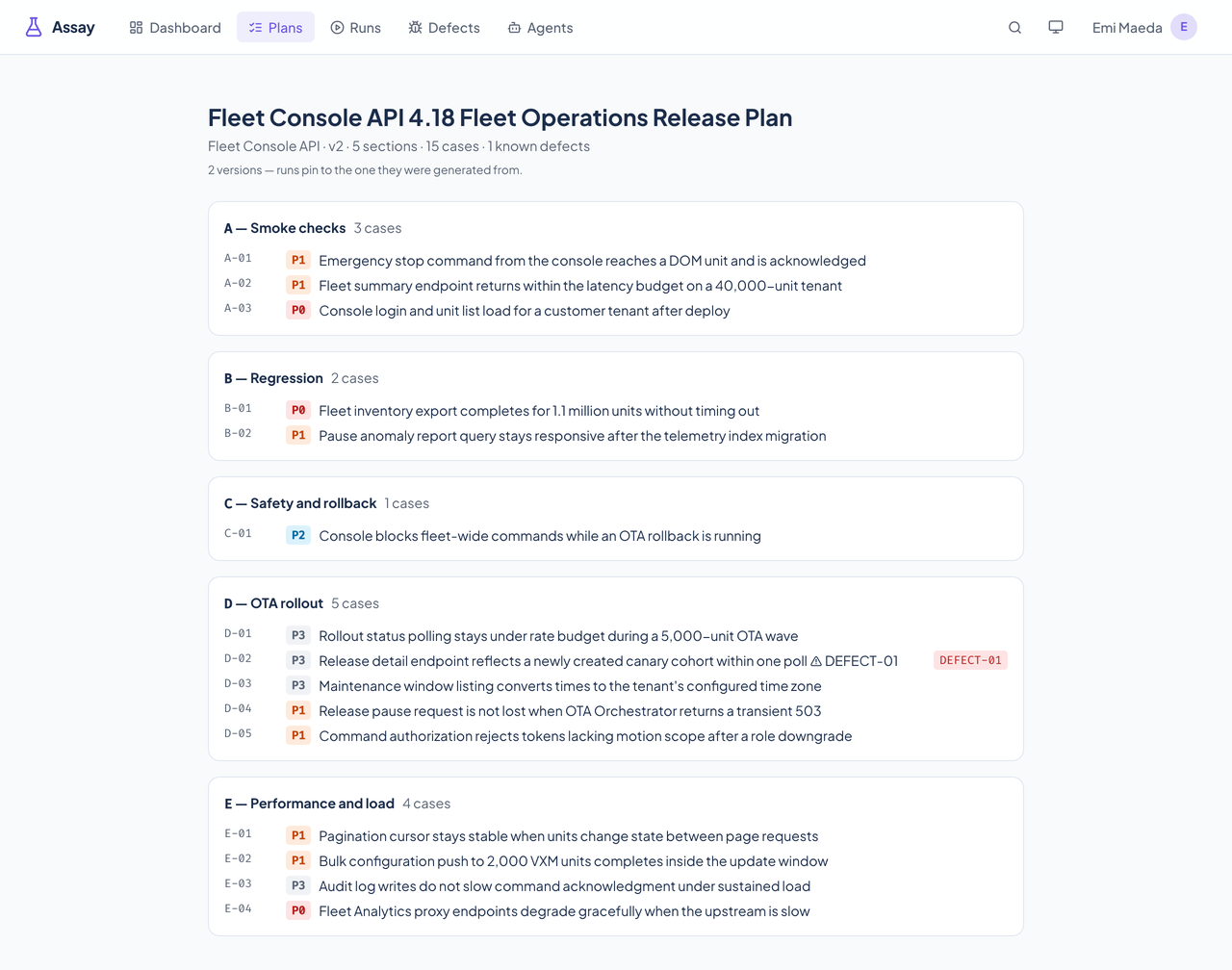
Import, version diff, and export are done through the API, the importer script, and the MCP tools. The web app shows a plan's sections, cases, and version count.